ViddyScribe Learn: product guides, documentation and FAQs
Enterprise Platform
Generate audio description for your video, review and render it, or connect ViddyScribe to your own workflow.
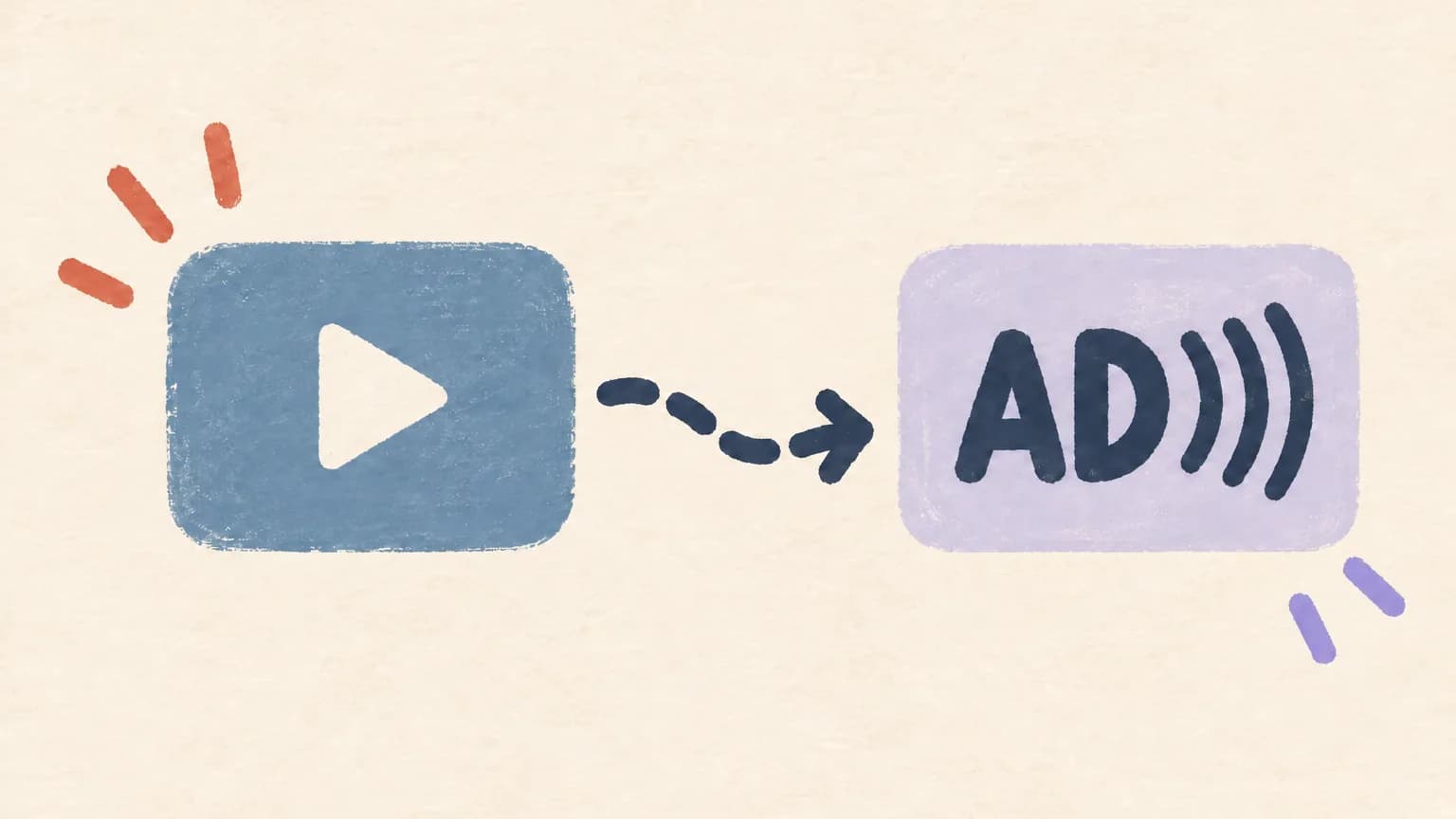
How to Generate AD for Your Video
Add a video and get an AD script, AD audio, or a finished AD video.
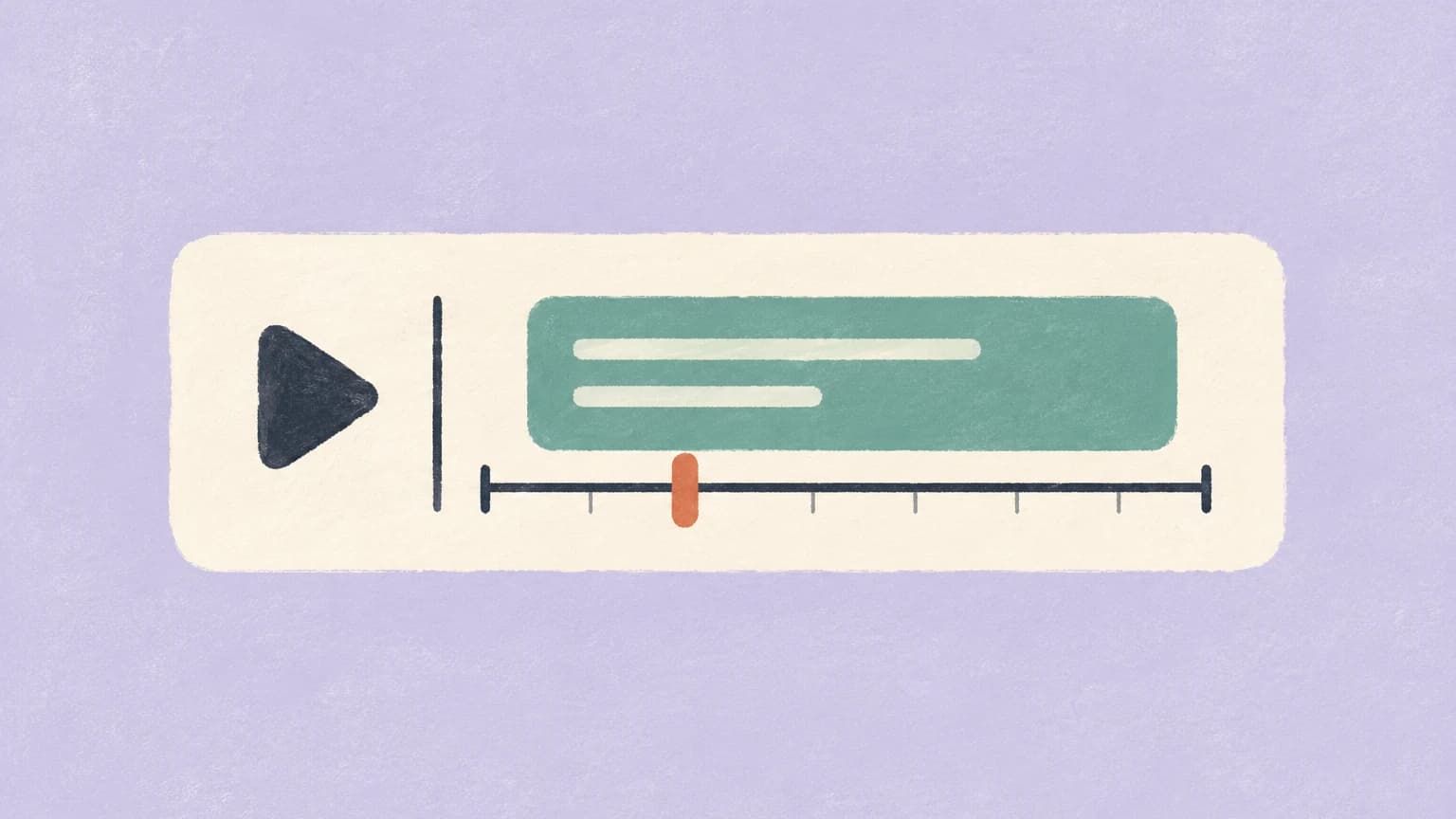
How to Edit Your Audio Descriptions
Fix the script, pick a voice, then render and download your video or audio.
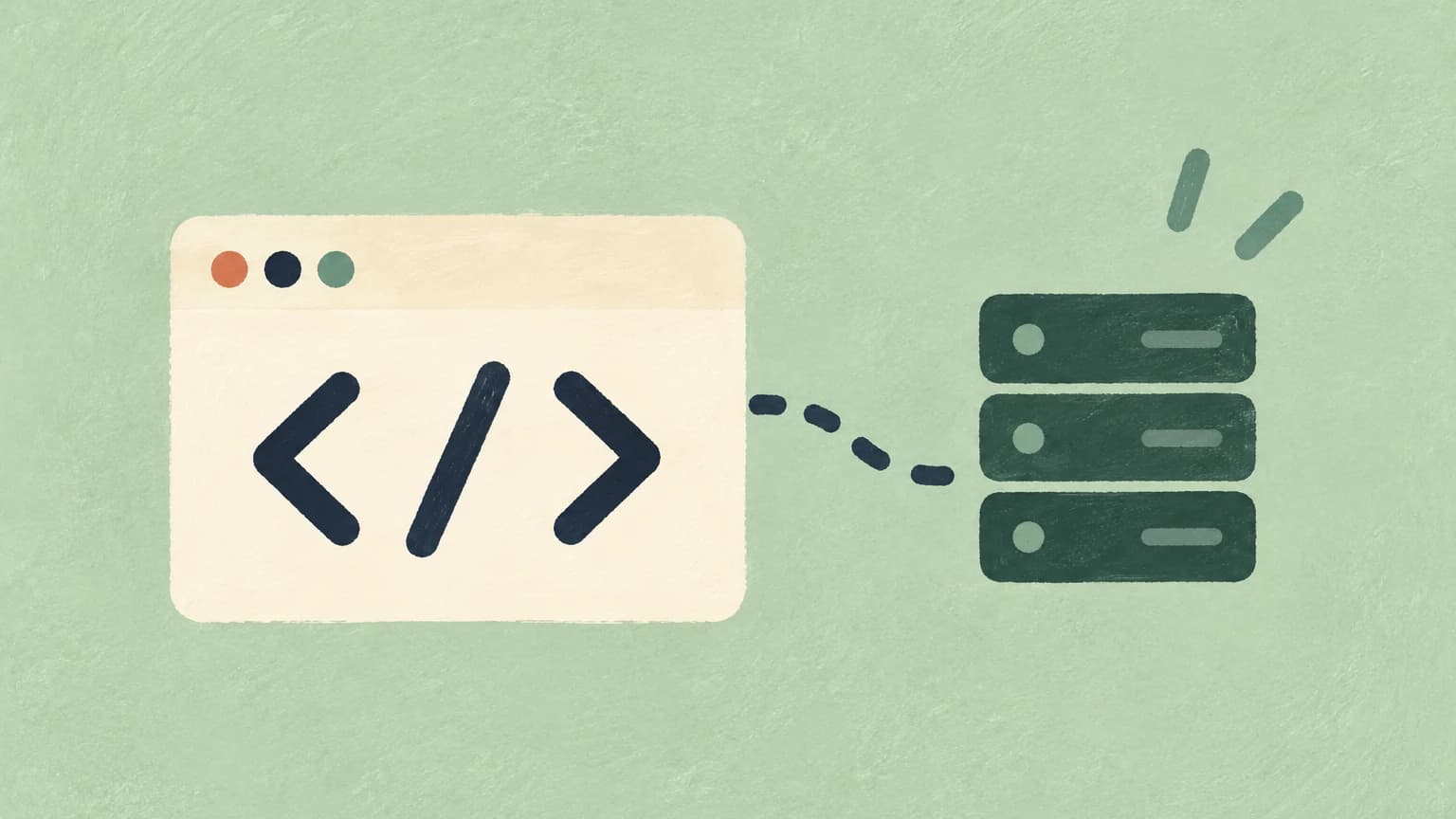
How to Build with the ViddyScribe API
Connect audio-description generation to your workflow, from authentication and job submission through completed outputs.
Opens in a new tab.Reference
Product details and account guidance from the ViddyScribe documentation.
Teams & Permissions
Understand Owner, Admin, and Member permissions, including who can manage seats, billing, and API keys.
Opens in a new tab.Credits & Usage
See how credits are calculated, shared across a team, renewed, and used by each generation workflow.
Opens in a new tab.Standard AD vs. Extended AD
Compare the two audio-description formats and choose the right workflow for your video and audience.
Opens in a new tab.ChatGPT & Claude
Connect ViddyScribe to ChatGPT or Claude to browse your library, edit scripts, and start new descriptions from chat.
Opens in a new tab.Help Center
Search frequently asked questions about ViddyScribe products, plans, accounts, usage, workflows, security, compliance, and education.
Standard Audio Description places narration in natural gaps between dialogue, preserving the video’s original runtime. It’s a good choice when there is enough space to describe important visuals, or when you need a separate audio track for an existing video.
Extended Audio Description inserts pauses to make room for narration, increasing the video’s runtime. It’s useful for lectures, presentations, and other videos with important visuals but limited gaps in speech.
Choose based on your content and publishing needs, and review the descriptions to make sure they communicate the essential visual information.
The available downloads depend on your AD type and the output you chose:
- AD Video (MP4): Your video with audio description baked in. Use this when publishing a complete described version, including Extended AD.
- AD Audio, Mixed (Standard AD): The original soundtrack combined with audio description. Use this as an additional audio track on a compatible video platform.
- AD Audio, AD only (Standard AD): Only the description narration. Use this when mixing the narration yourself in an editing application.
- AD Script: The written descriptions and their timing, in VTT, SRT, JSON, or EDL.
- Captions: Caption files supplied separately from the video; they are not burned into the picture.
- Transcript: A text version combining spoken content with the descriptions, useful for readers who prefer to review the content at their own pace.
Dashboard generations include captions and a transcript. Download available files from the video's panel in the Library.