Audio Description Services for Videos

AI writes and voices the descriptions, and your team can review every line before it goes live.

Media

Documentaries, TV Shows, Advertisements

Original Video (Not Compliant)

Compliant with Audio Description
SCMBPDRW

Trusted by 6,000+ teams and individuals.

UCI - University of California, IrvineGoogleUniversity of FloridaBrown UniversityBrainPOPCity of Roseville, California

Our Enterprise Platform

Unbelievably Fast
Accurate & Compliant

Natural voices.
98 languages.

State-of-the-art AI Descriptions.
Google featured us.

Videos described in seconds,
not days.

It's fast. Add videos & generate. Done.
Process batches or use the API to scale.

Full Control
over your outputs.

Edit your descriptions, timestamp
placements and more.

Ready in minutes. Reviewed by your team.

Clear a backlog of hundreds of videos without waiting on a studio queue.

Then check every line in the editor. Reword a line, fix a pronunciation, or switch the voice. Or bring your own script.
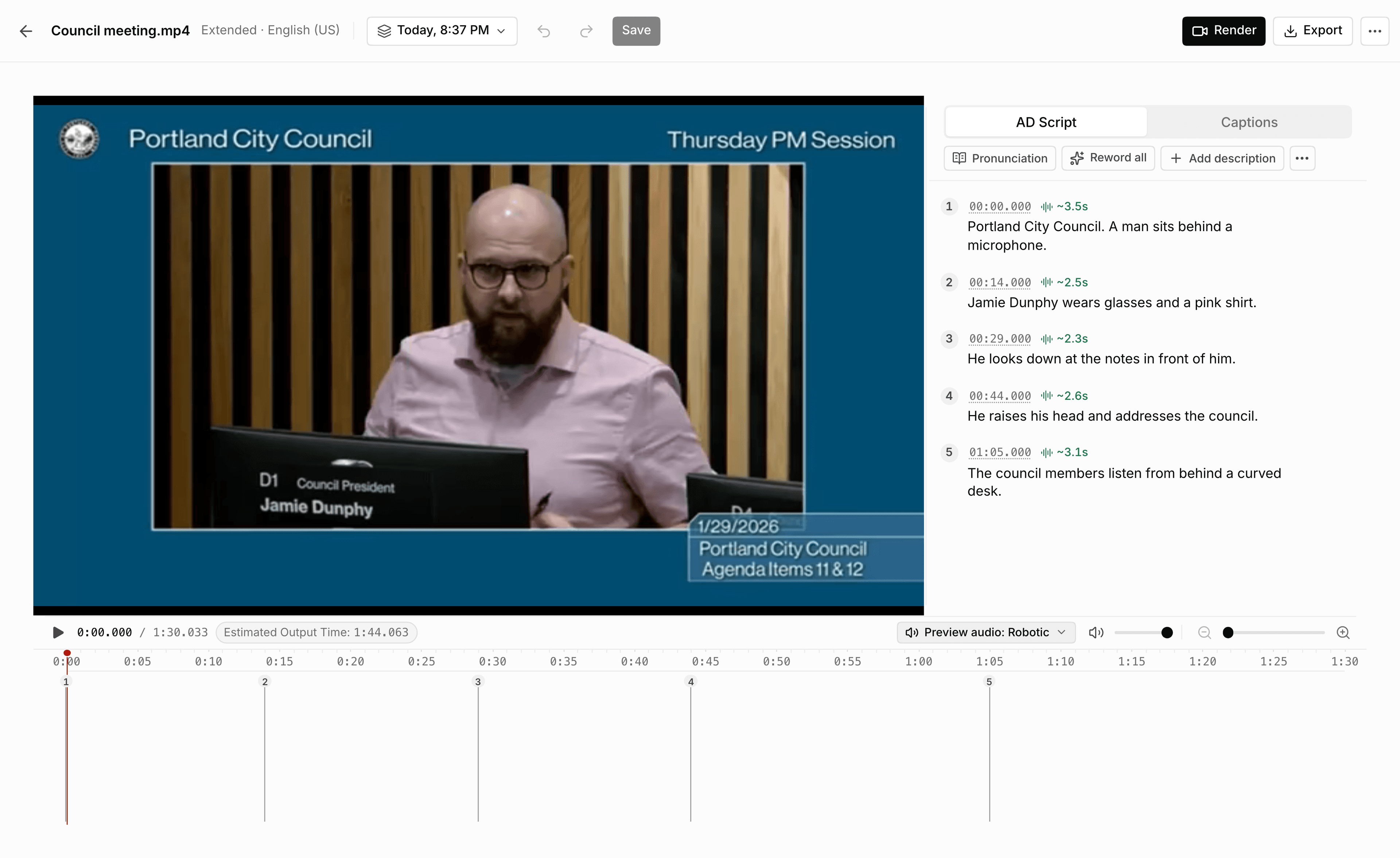
The ViddyScribe editor: a council meeting video on the left, and its numbered descriptions with start times and lengths on the right
Every description sits next to the video with its start time and length.

Publish anywhere. No re-editing.

Swap in the described video, or keep your original and add the description as a second audio track.
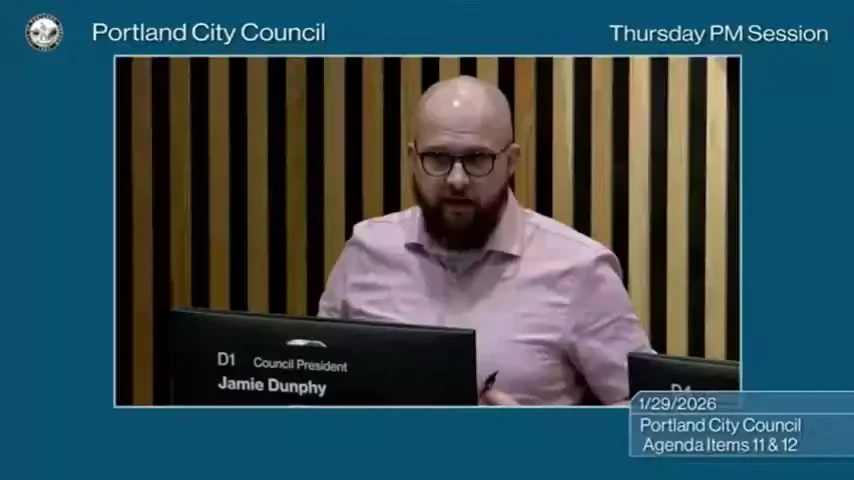
City council meeting

Described, ready to publish

  • MP4

    Any website, LMS, or video host

    Replace the original with the described MP4.

  • Audio track

    YouTube

    Add the description as an extra audio track.

  • WebVTT

    Players with description tracks

    Attach the script as a WebVTT file.

  • Audio + EDL

    Your editing software

    Import the narration audio or the EDL.

Works with

YouTubePanoptoKalturaJW PlayerBrightcoveand more
How to add audio description to existing videos

Made for ADA Title II, WCAG, and Section 508

WCAG 2.1 AA asks for audio description on prerecorded video. ADA Title II, Section 508, the EAA, and AODA all build on WCAG.

Read the guides for government, education, and production companies, or start with what Title II requires for video.

Your videos never train AI models, and we delete them when you ask. See our security documents and SOC 2 report.

What your video gets

  • CaptionsWCAG 1.2.2Level A
  • TranscriptWCAG 1.2.3Level A
  • Standard ADWCAG 1.2.5Level AA
  • Extended ADWCAG 1.2.7Level AAA

Frequently Asked Questions

Can AI-generated audio description meet ADA compliance requirements?
Potentially. WCAG 2.1 Success Criterion 1.2.5 defines the required result rather than a particular authoring tool. AI-generated descriptions should therefore be reviewed to confirm that the published result accurately communicates the important visual information and works with the delivery player and assistive technologies.
Can I add audio description to an existing online video without re-editing it?
Yes. Publish a VTT file alongside the existing video or add a separate descriptive audio track when the player supports alternate audio. This avoids modifying or re-exporting the source video. Read the step-by-step guide.
Can I use my own audio description script?
Yes. In the editor, upload a description file in VTT, SRT, EDL, or JSON format. Review the wording and timing, then generate the output using your script. Check the credit estimate before processing.
Do you accept purchase orders, invoices, or tax-exempt payments?
Self-service plans are paid through Stripe. Custom procurement needs, including invoices, purchase orders, ACH or wire transfers, checks, and tax-exempt documentation, are reviewed case by case. Submit the enterprise request form with your billing requirements before purchasing.
Are uploaded videos private or used to train AI models?
Uploaded content is used to process and deliver the ViddyScribe service, including through necessary contract-limited subprocessors. It is not used to train, fine-tune, or improve ViddyScribe or third-party AI models, except as expressly authorized by you. Content is retained only as needed to provide the service and support your account, and you can request deletion. Read the Privacy Policy for details.
Can I use ViddyScribe for commercial or client work?
Yes. Paid Enterprise plans include commercial use and watermark-free video exports. The Free individual plan is for non-commercial use, so agencies, production companies, and other client-facing teams should use an Enterprise plan.
Is there a free trial for commercial use?
Yes, two ways. Ask for a free trial of 7 days for up to 5 people. Videos and audio made during the trial are watermarked and for non-commercial use only. Or buy a monthly plan, and if it is not working for you, email us within 72 hours and we will verify your usage and refund the payment.
See all FAQs

We've helped teams
scale accessibility
in minutes

Having evaluated 10+ vendors, ViddyScribe hands-down won in a head-to-head comparison of complex on-screen tutorials, screenshares, and slide presentations. The team's superior customer support felt like they were members of our own team.
EdTech B2B SaaS CEO
Wow, this is really great. With my limited vision I can only see about 20% of what it describes, and my wife watched the clip and confirmed it's saying the right info. It's a very rich and enjoyable description!
Chris McNally, low-vision user
The platform has saved us countless hours in our audio description workflow, and it feels like it was built specifically for teams like ours. It's been a game-changer.
Disability Justice Project
SCMBPDRW

Trusted by 6,000+ teams and individuals.