AI Closed Captions, Ready in Minutes
Speaker labels and sound cues in 90+ languages, plus a web editor that makes every fix quick.
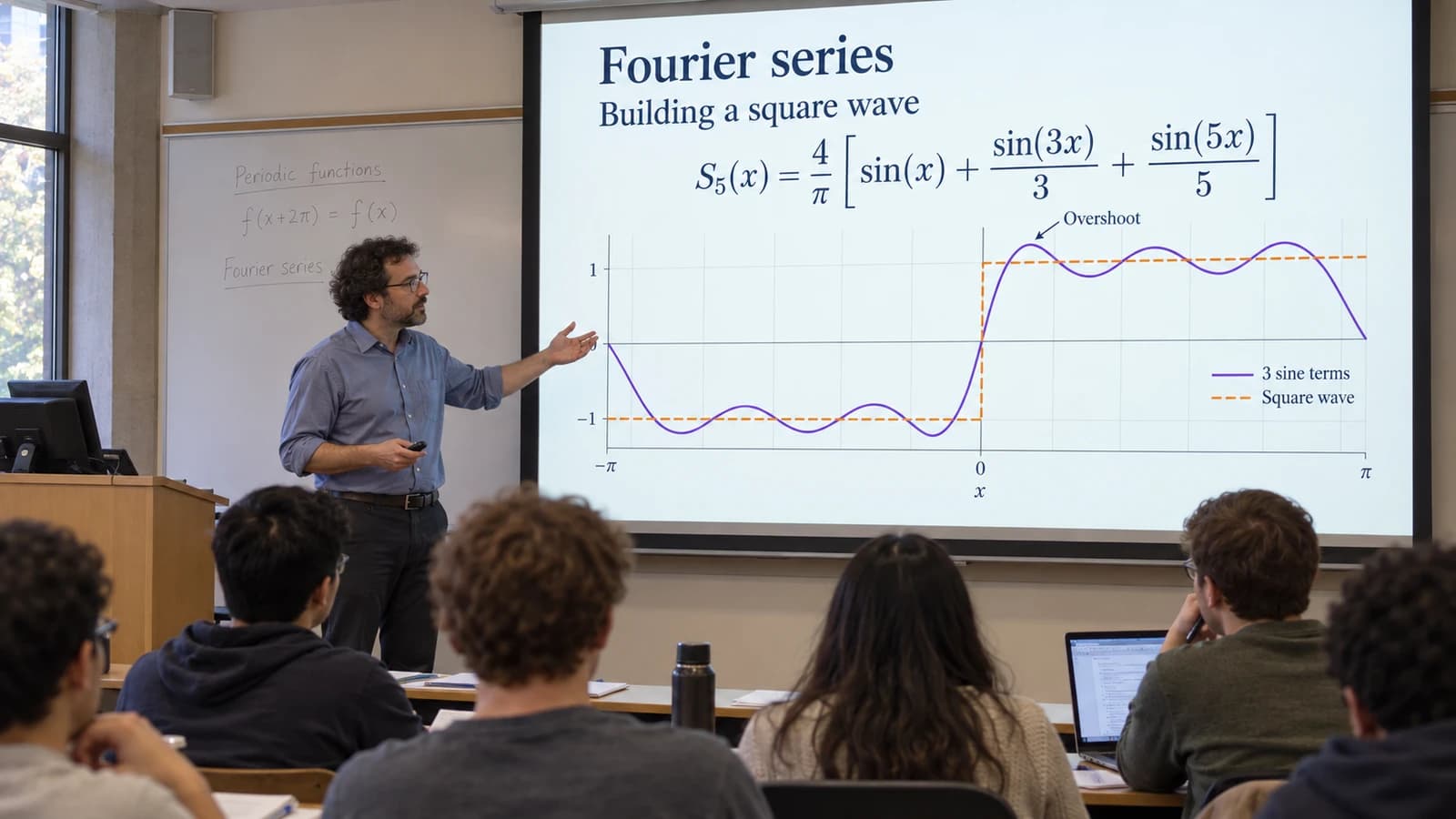 Professor: Today we build a square wave out of sine waves.
- 0:12ProfessorToday we build a square wave out of sine waves.
- 0:16Watch the curve as we add more terms.
- 0:20[students murmur]
Trusted by 6,000+ teams and individuals.












Real Captions.
Not Just Subtitles.
WCAG 2.1 requires captions for prerecorded video at Level A (success criterion 1.2.2), and the ADA Title II rule and Section 508 build on WCAG. Captions carry more than the words: they show who is speaking and the sounds that matter.
ViddyScribe adds speaker labels and sound cues automatically, and joins fragments into full sentences.
Speaker labels
Shown when the speaker changes, and you can rename them
Sound cues
Laughter, music, and other sounds, in brackets
Full sentences
Fragments are joined into readable captions
42 characters, 2 lines
The default size of each caption, and you can change it
Accurate First Draft. Fast Final Check.
Our captions start from one of the most accurate speech models on an independent benchmark, so most videos need only a quick review.
Accessibility rules judge captions by how accurate they are, not by how they were made. Names, jargon, and noisy audio can still trip up any AI, so every line is one click away in the editor.
- Videos captioned
- 30,000+
- Words captioned
- 28M+
90+ Languages, Detected Automatically.
ViddyScribe recognizes the language being spoken and captions it in that language, so a Spanish lecture gets Spanish captions with no setting to change.
Need audio description too? It can be narrated in 98 languages.
- English
- Spanish
- French
- German
- Portuguese
- Italian
- Dutch
- Polish
- Ukrainian
- Turkish
- Arabic
- Hindi
- Chinese
- Japanese
- Korean
- Vietnamese
- and many more
Edit Like a Doc. See It on the Video.
The captions editor runs in your browser. Fix the wording and timing, split or merge captions, and rename speakers, while the word being spoken highlights as the video plays.
The preview shows your captions on the video in full sentences, the way they will export.
- Edit the text in place
- Drag or type new start and end times
- Split, merge, add, or delete captions
- Reassign or rename speakers
- Click a word to jump the video there
- Preview captions on the video
A Transcript With the Visuals In It.
The transcript weaves the audio descriptions in with the dialogue and sound cues, in time order, so someone reading it gets both what was said and what was shown. Download it as plain text, with or without timecodes.
WCAG 2.1 accepts this kind of media alternative at Level A (success criterion 1.2.3). Level AA, which ADA Title II requires, also asks for audio description.
00:06 --> 00:09
Council President: Susie and Zach, take it away, please.
00:09 --> 00:14
Policy Analyst: For the record, my name is Zach Ward and I'm the policy analyst.
00:27 --> 00:34
The screen displays a yellow slide titled City Data and Privacy Office Resolution and Ordinance.
00:34 --> 00:44
So currently, as things stand, technology changes faster than any city council or local government is really prepared to deal with.
01:06 --> 01:12
The slide changes to show several news headlines related to data privacy and surveillance, with portions blacked out.
Captions for Any Player.
Download captions as VTT or SRT and add them to your video platform. They stay separate from the video, so viewers can turn them on or off.
You can also download captions for many videos at once from the Library.
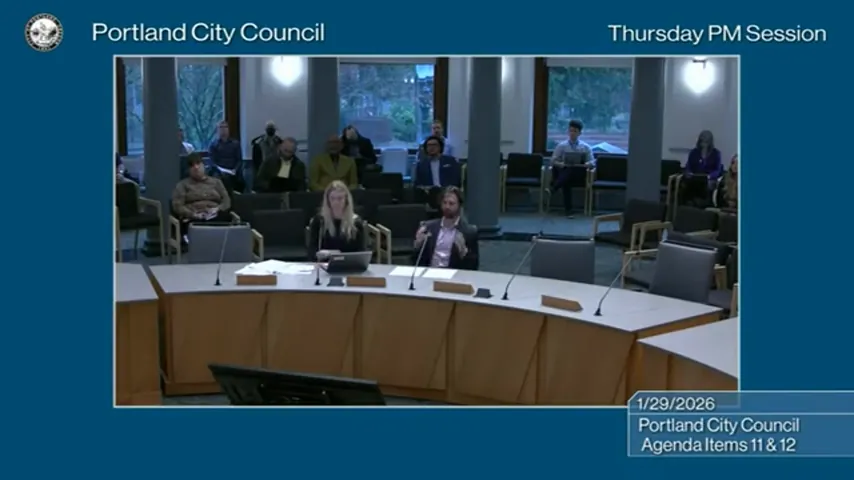 City Council MeetingPolicy Analyst: For the record, my name is Zach Ward and I'm the policy analyst.
Outputs
- 0:06.840 → 0:09.400Council President: Susie and Zach, take it away, please.
- 0:09.400 → 0:14.400Policy Analyst: For the record, my name is Zach Ward and I'm the policy analyst.
- 0:20.080 → 0:22.900Just to highlight a few things we didn't necessarily talk about there
Works with
Captions and Audio Description, Together.
WCAG 2.1 treats captions (success criterion 1.2.2) and audio description (1.2.5) as separate requirements, and the ADA Title II rule, which requires Level AA, covers both. ViddyScribe makes both from one upload.
Your videos are not used to train AI models, and you can ask us to delete them.
Frequently Asked Questions
What files can I download, and which output should I use?
The available downloads depend on your AD type and the output you chose:
- AD Video (MP4): Your video with audio description baked in. Use this when publishing a complete described version, including Extended AD.
- AD Audio, Mixed (Standard AD): The original soundtrack combined with audio description. Use this as an additional audio track on a compatible video platform.
- AD Audio, AD only (Standard AD): Only the description narration. Use this when mixing the narration yourself in an editing application.
- AD Script: The written descriptions and their timing, in VTT, SRT, JSON, or EDL.
- Captions: Caption files supplied separately from the video; they are not burned into the picture.
- Transcript: A text version combining spoken content with the descriptions, useful for readers who prefer to review the content at their own pace.
Dashboard generations include captions and a transcript. Download available files from the video's panel in the Library.
What is the difference between captions and audio description?
Are captions enough for ADA Title II compliance?
What are the ADA Title II video compliance requirements?
Are uploaded videos private or used to train AI models?
Can I use ViddyScribe for commercial or client work?
We've helped teams
scale accessibility
in minutes
Having evaluated 10+ vendors, ViddyScribe hands-down won in a head-to-head comparison of complex on-screen tutorials, screenshares, and slide presentations. The team's superior customer support felt like they were members of our own team.
Wow, this is really great. With my limited vision I can only see about 20% of what it describes, and my wife watched the clip and confirmed it's saying the right info. It's a very rich and enjoyable description!
The platform has saved us countless hours in our audio description workflow, and it feels like it was built specifically for teams like ours. It's been a game-changer.
Trusted by 6,000+ teams and individuals.