ViddyScribe Enterprise, available since May 2025, has a new workspace for creating, reviewing, and managing audio description. Organize your library, reuse your team’s settings, refine descriptions in the editor, and pick up where you left off. Here’s what’s new.
Organize your videos around your work
Keep a growing video library easy to navigate. Group videos into folders, search for the project you need, and keep its script, audio, captions, transcript, and finished videos together.
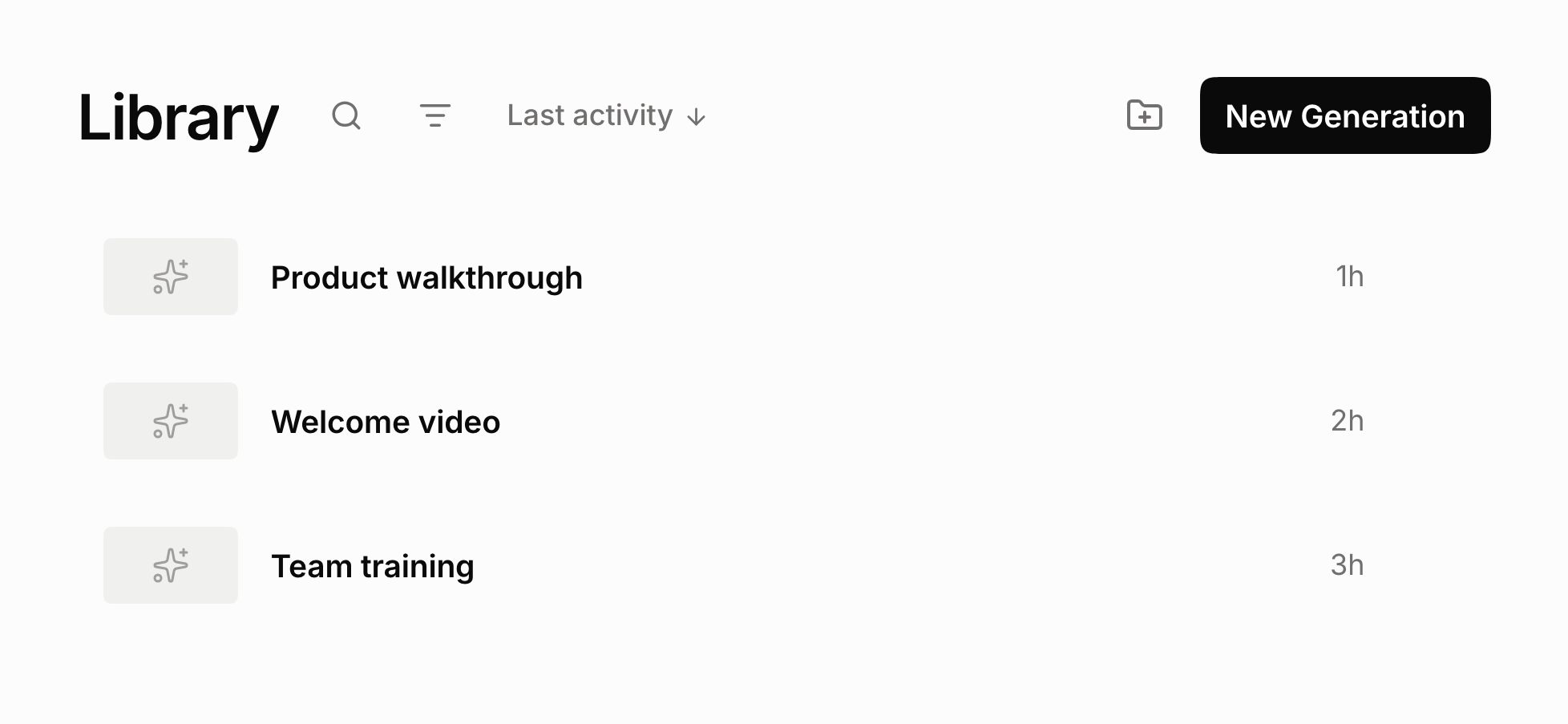
- Folders and search. Organize videos by course, client, or project, and find them again quickly.
- Files in one place. Find each version’s renders and downloads alongside the source video.
Pick up where you left off
Your edits are saved as a working draft, so you can leave a project and return to continue editing. Shared drafts also let a teammate pick up the review from the same working copy.
Save a version when you reach a milestone. You can revisit earlier work, and rendering an output preserves a checkpoint of the script used to create it. Each output stays connected to its version, so you can see which edits went into a finished file.
Save your settings. Reuse them with your team.
Set up a workflow once and save it as a preset for future videos. Reuse your language, AD type, output choice, and generation settings without configuring them from scratch each time.
Create different presets for lectures, training videos, or client projects. Keep a preset private or share it with your team so everyone can start with the same settings.
More control over every description
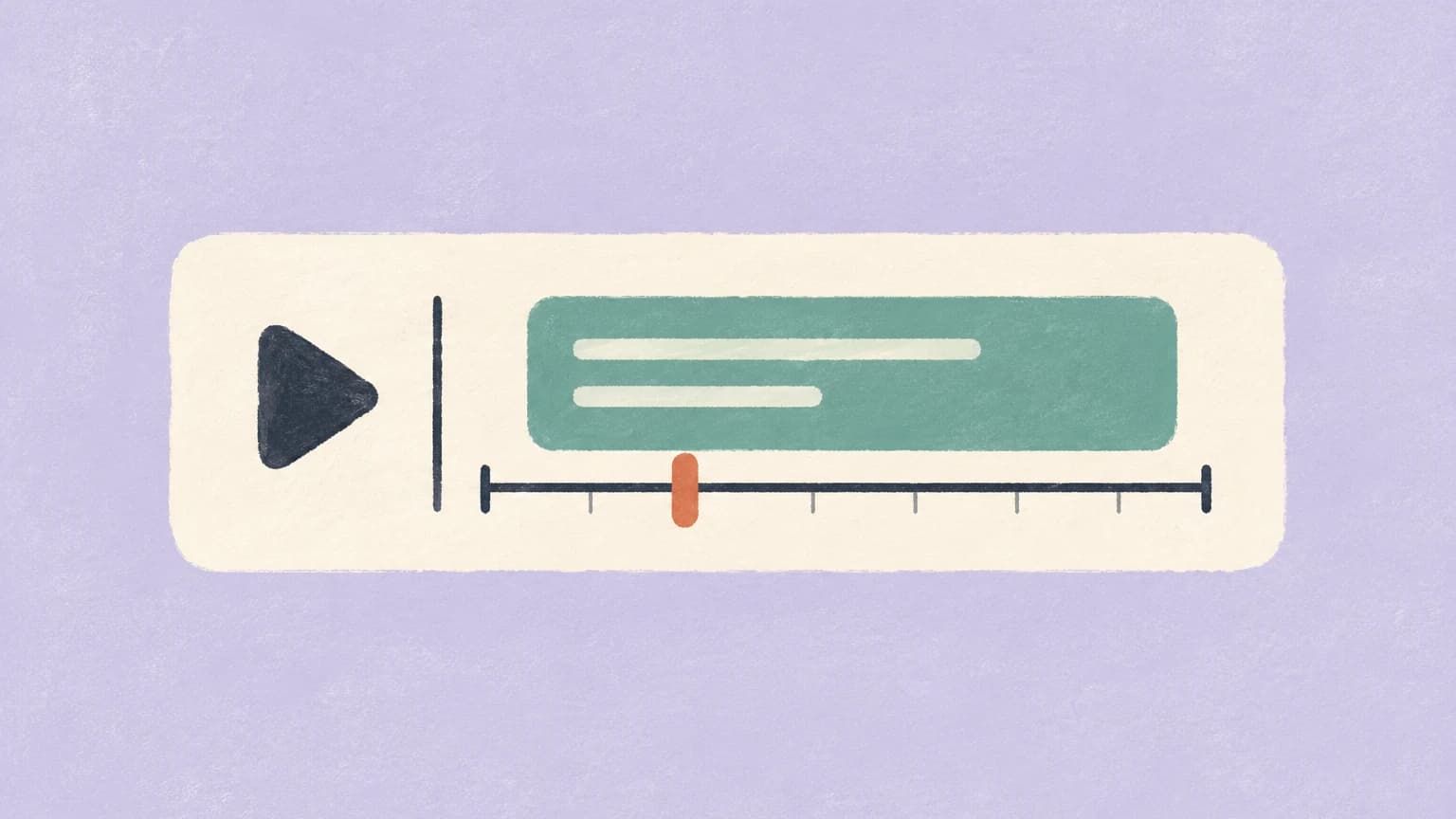
The upgraded editor brings your video, script, and timeline together. Review descriptions as the video plays, adjust the words and timing, and hear how the narration fits before creating the final output.
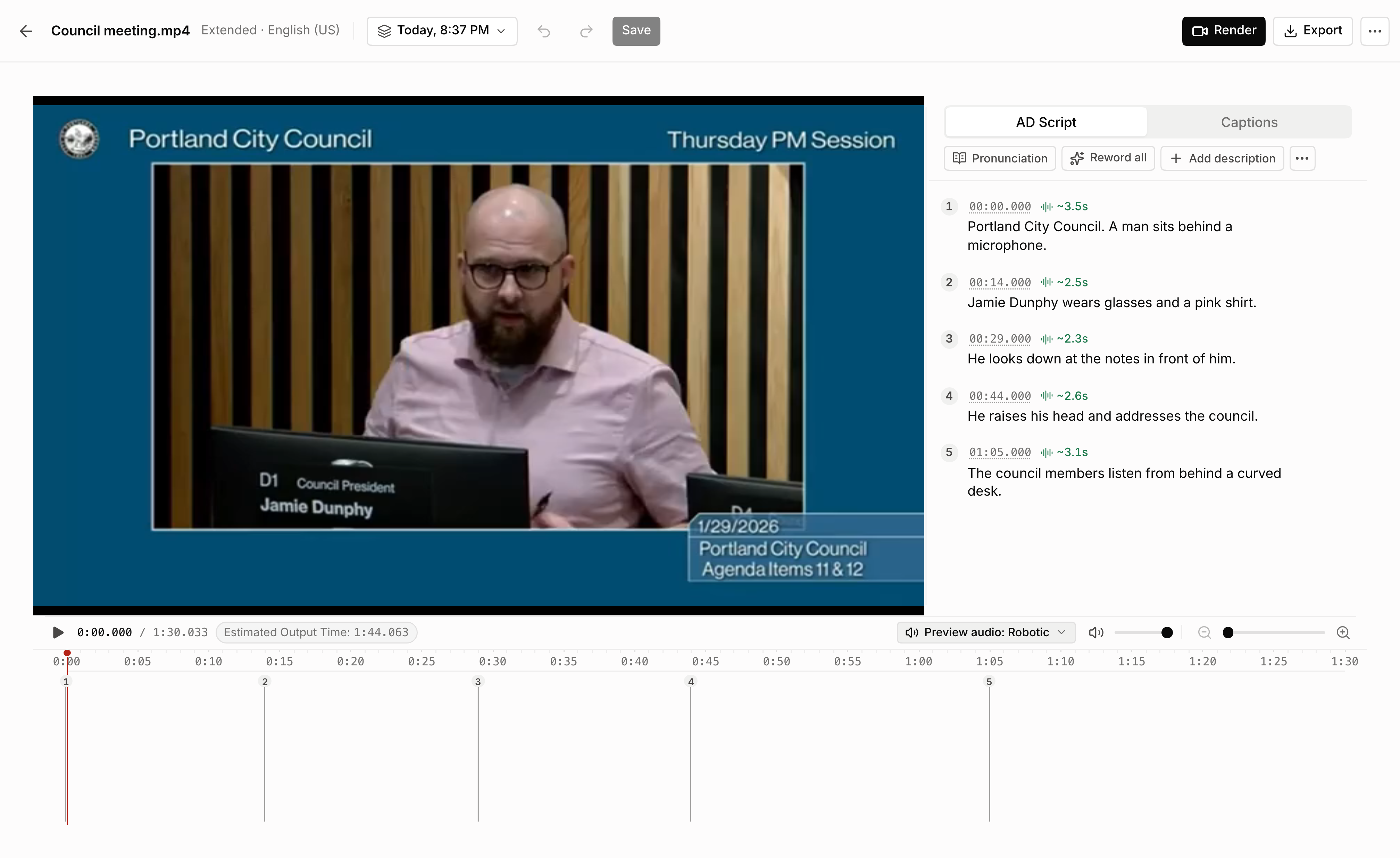
- Edit in context. Rewrite, add, or remove descriptions and adjust when they play.
- Get help from AI. Shorten a sentence, make the tone more neutral, or generate a description from the video.
- Set pronunciations. Tell the voice how to say names and technical terms, for one video or across your library.
Choose Standard AD to fit narration into dialogue gaps, or Extended AD to pause the picture and make room for more detail.
Hear your selected voice before rendering
Listen to your descriptions in the selected AI voice while you edit. Check how names sound, hear the pacing, and judge how the narration fits alongside the original audio before creating the finished video.
After changing the wording or pronunciation, update the speech and listen again. You can review the actual narration without rendering a video just to hear the changes.
Review the script before the final output
Keep AD Video selected and check Review script before rendering below the output cards, above Settings. AD Audio offers the same choice for audio. ViddyScribe prepares the script and waits for your review before creating the final output. The total price stays the same.
Edit the text and timing, add missing descriptions, and refine pronunciations. When you’re happy with the result, create the output from your reviewed script. Leave the checkbox unchecked to create the final output automatically. Generate follows your choice directly.
Bring audio description to more audiences
We’ve added 26 language options, including Filipino, Malay, Persian, Icelandic, and Haitian Creole. Choose the language and an available voice for your audience when you create a generation.
Regional options include English, Spanish, French, and Portuguese variants. Preview the available voices and review pronunciation and timing before publishing.
Choose a script, audio, or finished video
The new AD Audio option gives you narration and its script to use in your own production workflow. Choose the output that matches what you need to deliver.
- AD Script. Written descriptions to review or use in your own narration process.
- AD Audio. Narration audio files with the script, ready to use in your production.
- AD Video. A finished video with audio description mixed in, plus the audio and script.
Captions and a transcript come with every option.
The guides below walk through creating your first output and using the upgraded editor.
Build your audio description workflow
98 languages · Standard & Extended AD · VTT, audio, and video